

Introduction
Welcome to the new and improved online QVirtual Pilot Handbook! Here you can review up to date airline information, policies and procedures for your day-to-day operations at QVirtual. This handbook is updated on a regular basis and it is a pilot'sresponsibility to ensure they are aware of any changes made to this document.
Our Mission
We want QVirtual to feel like a real airline - realistic operations, proper procedures, and a community that actually helps each other get better at this hobby. Whether you're brand new to flight sim or you've been at it for years, there should be something here for you.
Our Vision
We want to be the virtual airline people actually enjoy flying for. Good tools, good people, and flights that feel worth your time. That's about it.
Our Values
Authenticity
We try to mirror real-world airline operations and procedures as closely as we can. If it happens at a real airline, we want it to happen here too.
Respect
Treat people the way you'd want to be treated. Be decent, be fair, and remember there's a real person on the other end.
Continuous Improvement
We're always looking for ways to make things better. If something can be improved, we'll try to improve it.
Collaboration
Flying is more fun with other people. We encourage group flights, helping newer pilots, and generally just being part of the community.
Integrity
We’re upfront about how things work. No hidden rules, no favouritism. If we make a mistake, we own it.
Application Guidelines
Prospective members will be required to make their application for membership over the Internet at the QVirtual's web site. Applications must be fully completed pursuant to the instructions and the rules and regulations located on the application web page(s).
QVirtual requires that all new and returning pilots are at least sixteen (16) years of age. Under no circumstances will an applicant under this age be hired. Any pilot who is found falsifying their age will be banned from QVirtual indefinitely.
QVirtual does not charge any fees to apply or to retain membership in the organisation. In addition, no member of QVirtual may request money or charge fees as a prerequisite to advancing an individual in rank and no member may offer to pay money or a fee to another in order to secure advancement in rank.
Transfer of Hours
If you’ve flown with another virtual airline or on VATSIM, you can transfer hours from one organisation of your choice. All transferred hours will show on your QVirtual record, but a maximum of 100 will count towards rank progression.
Rejoining QVirtual
If you’ve been away for a while, you’re always welcome back.
If you’ve been inactive for a while and want to return to the cockpit, simply log in with your existing account credentials and file a flight. Your account will be reactivated instantly, and you’ll receive a welcome back bonus to help you get back on your feet.
Forgot your login details? You can hit the signup button and if we find a matching account, we’ll automatically restore it. Otherwise, reach out via the support chat and we’ll get you sorted.
Your account is never deleted, no matter how long it's been since your last flight.
Pilot HUBs
All pilots will be assigned to the hub of their choice or, in rare cases, to a hub based on operational needs. Pilots are welcome to transfer to any hub they choose (as hubs are developed).
The following locations are currently QVirtual Hubs:
- Brisbane International Airport (YBBN)
- Melbourne International Airport (YMML)
- Perth International Airport (YPPH)
- Sydney International Airport (YSSY)
- Dubai International Airport (OMDB)
- London International Airport (EGLL)
- Darwin International Airport (YPDN)
- Los Angeles International Airport (KLAX)
To transfer to a different hub, simply visit the HUB page and click Transfer
Leave of Absence
Sometimes you need a break. The Leave of Absence (LOA) system lets you pause your account so you won't be affected by the inactivity policy.
LOAs are available in 1, 2, 3, or 6 month increments. While on LOA, your account is paused and all your perks stay intact.
To request an LOA, head to the LOA section in the Crew Centre. Your account will be waiting for you when you get back.
Inactivity Policy
If you haven't logged a flight in a while, your account may eventually be moved to inactive status. The process is gradual and easy to reverse.
Timeline
- 45 days without a flight: You'll receive a friendly reminder email letting you know we've noticed some inactivity on your account.
- 90 days without a flight: A follow-up email explaining what will happen if your account remains inactive.
- 120 days without a flight: Your account will be moved to inactive status.
What happens when your account becomes inactive
- Your loyalty status will be reset to Bronze.
- Your profile won't appear in leaderboards and you won't earn bonuses.
- Your shop items will become inactive.
- While inactive, 10% of your balance will be deducted each month as a maintenance fee.
Exemptions
If you know you'll be away, submitting a Leave of Absence is the best way to protect your account from the inactivity policy.
Coming back
Just file a flight. Your account will be restored to active status straight away, and you'll get a welcome back bonus. Your account is never deleted due to inactivity.
Termination
Pilots may be removed for breaking rules, ignoring policies, or behaving in a way that's unacceptable to staff or other members. Respect is non-negotiable.
Pilots also have the option to terminate their own account at any time by visiting the settings page.
Booking Flights
Before flying, you'll need to book your flight. The schedule system has over 50,000 routes and you can filter by airline, aircraft, distance, and more.
A booking fee applies to each flight based on route distance, aircraft location, and your loyalty level. You can only book one aircraft registration at a time, and no two pilots can fly the same registration simultaneously. Exceptions apply for events and the Airline of the Month program.
If no aircraft are available at your departure airport, you can pay a fee to have one relocated for your flight.
The QShop has items that reduce booking costs and increase cancellation refund percentages.
Flight Class Tickets
The ticket system lets you fly in premium cabin classes and earn bonus status credits.
How It Works
Each flight consumes one ticket from your inventory. If you have no tickets, you will fly in Economy class for free. Tickets can be purchased for Premium Economy, Business, or First Class, with each class earning progressively more status credits per flight.
Cabin Classes
- Economy: Free to fly, no ticket required. Earns base status credits.
- Premium Economy: Requires a ticket. Earns increased status credits.
- Business: Requires a ticket. Earns significantly more status credits.
- First: Requires a ticket. Earns the maximum status credits per flight.
Purchasing & Managing Tickets
Tickets can be purchased individually or in bulk packs. Larger packs offer better value with discounts of up to 30%. The availability of pack sizes depends on your rank tier-higher-ranked pilots unlock access to larger bulk purchases.
You can upgrade your existing tickets to a higher class at any time by paying the price difference. If you need to liquidate your tickets, you can sell them back for a 50% refund of their original value.
Status Credits
Status credits earned per flight depend on your cabin class and distance flown. Longer flights in premium cabins earn the most.
Visit the Tickets page in the Crew Centre to view current pricing, manage your inventory, and purchase tickets for your next flight.
Rank Structure
All pilots joining QVirtual, whether they have prior Virtual Airline experience or not, begin their journey as a Student Pilot.
As you log more hours and complete flights, you'll progress through the ranks. Each rank unlocks new milestones and rewards.
| Rank name | Epaulette | Min. hours to reach | Pay per hour |
|---|---|---|---|
| Student Pilot |  | 0 | $89 |
| Private Pilot |  | 25 | $115 |
| Commercial Pilot |  | 45 | $159 |
| Airline Transport Pilot |  | 80 | $199 |
| Student Second Officer |  | 140 | $265 |
| Second Officer |  | 250 | $335 |
| Junior First Officer |  | 400 | $440 |
| First Officer |  | 625 | $585 |
| Senior First Officer |  | 1,000 | $770 |
| Captain |  | 1,500 | $1,035 |
| Commercial Captain |  | 2,400 | $1,370 |
| Airline Transport Captain |  | 3,800 | $1,825 |
| Senior Captain |  | 5,000 | $2,430 |
| Flight Captain |  | 6,500 | $3,225 |
| Senior Flight Captain |  | 8,500 | $4,280 |
| Executive Captain |  | 11,000 | $5,695 |
| Executive Senior Captain |  | 14,000 | $7,570 |
| Honorary Senior Captain |  | 18,500 | $10,000 |
| Honorary Command Captain |  | 25,000 | $16,875 |
Awards
Awards recognise pilots for hitting milestones or completing specific challenges.
Some awards are automatically assigned upon meeting the criteria, while others can be manually requested through the Crew Centre.
Awards are categorised into the following groups:
- Achievement: Awards for notable accomplishments.
- Tour: Awards for completing specific tours.
- Milestone: Awards for reaching key milestones, such as flight hours.
Each award and its associated criteria are outlined below:
Achievement Awards
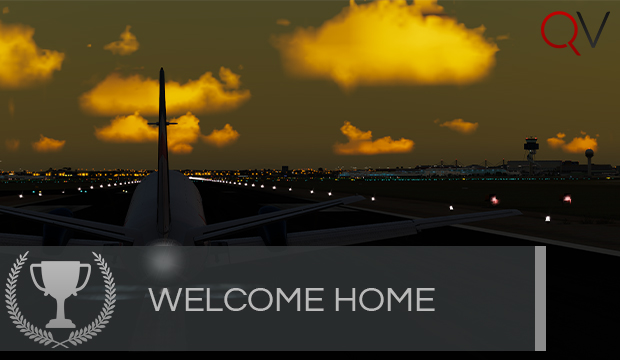
Land in Sydney (YSSY).
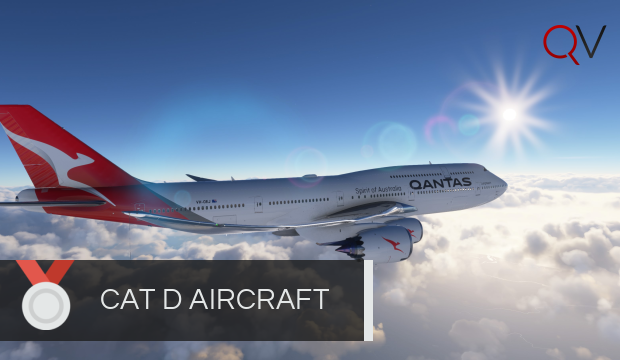
First CAT D aircraft flight.
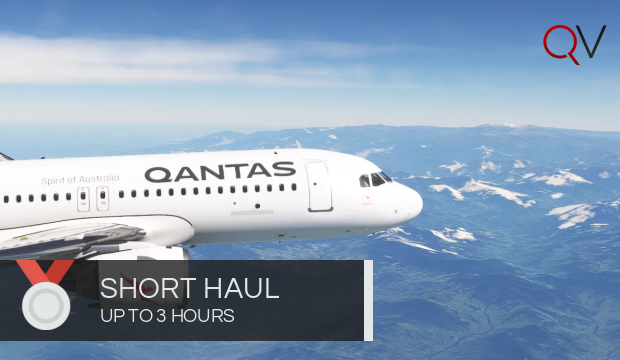
Completed a flight up to 3 hours
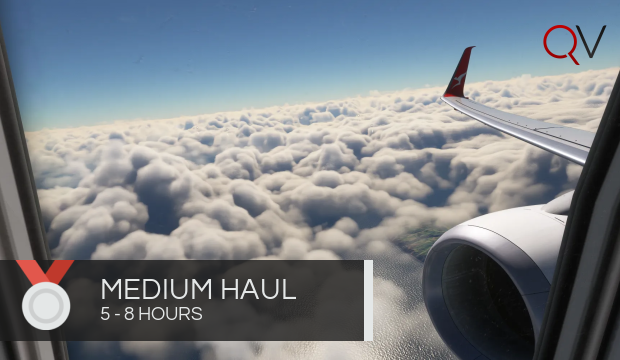
Completed a flight between 5 and 8 hours
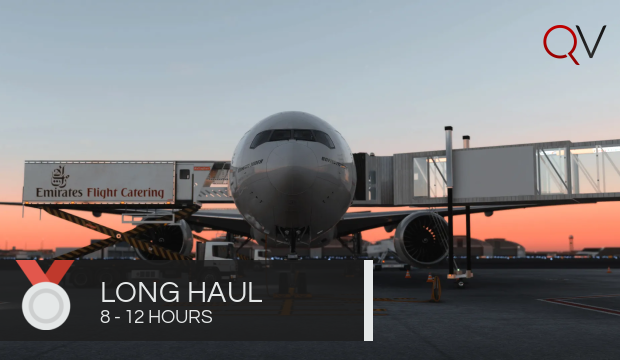
Flown a flight between 8 and 12 hours long.
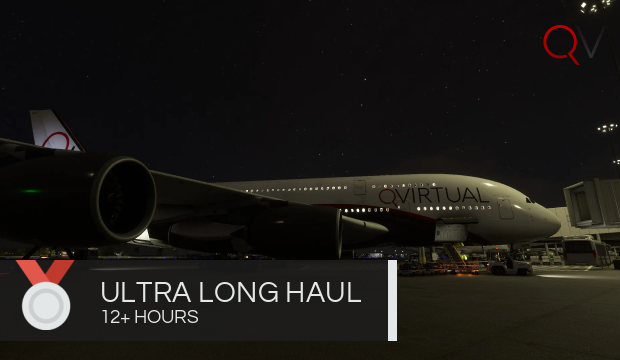
Flown a flight longer than 12 hours.
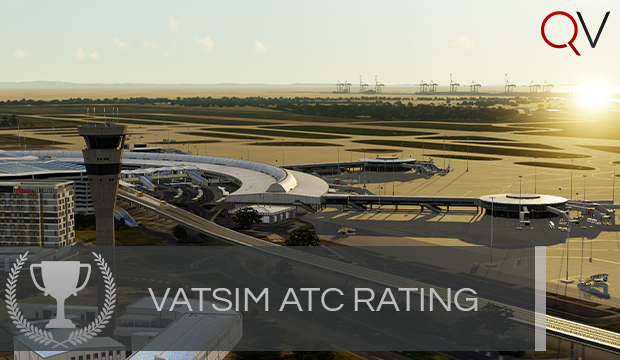
Awarded to a pilot that is a certified Air Traffic Controller on VATSIM.
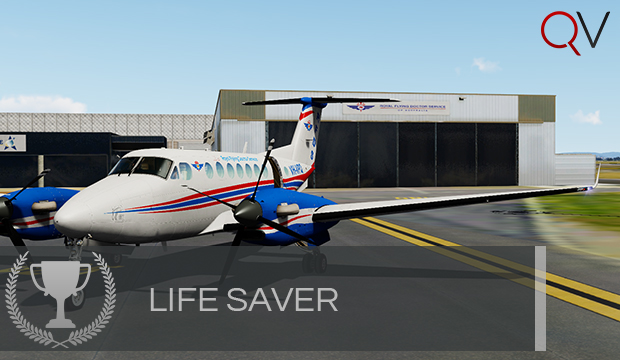
Fly a Royal Flying Doctors Service Flight.
Awarded to a pilot who is a Staff Member here at QVirtual.
Fly into a Western Australian Mine. (YPKG, YGIA, YSOL, YFDF, YCHK, YDGU, YTRA).
Tour Awards
Complete the F1 2021 tour

Complete the F1 2023 tour
Complete the NASCAR 2023 Tour
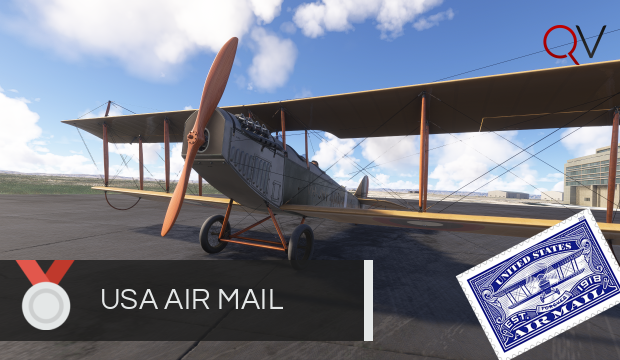
Complete the North American Air Mail tour

Finish the Birmingham 2022 Commonwealth Games Tour
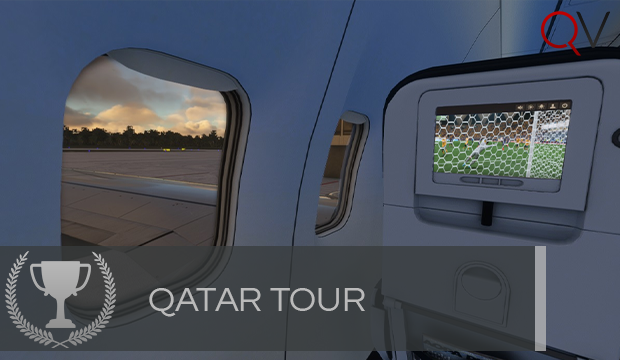
Finish the Qatar World Cup Trophy Tour during the allocated time period

Completion of the Australian and New Zealand Summer Tour After the Event has finished

Finish the Tokyo 2021 Tour
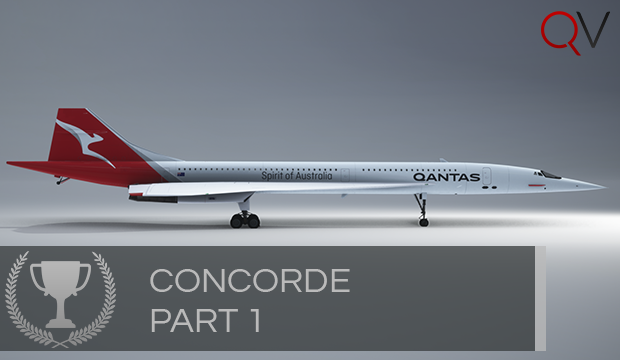
Awarded for completing Concorde Part 1

Awarded for completing Concorde Part 2

Awarded for completing Concorde Part 3
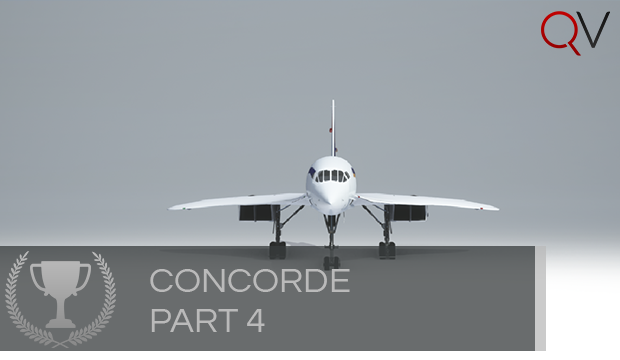
Awarded for completion of Concorde Part 4

Complete the Carnival tour
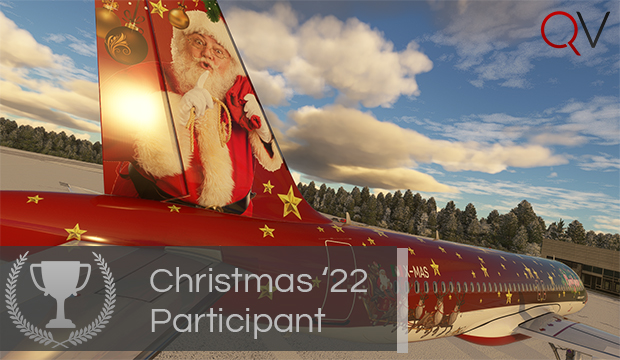
Complete the Christmas Tour 2022

Complete the South East Asian What a Capital Idea Tour

Awarded to all Pilots who complete the Valentines Tour
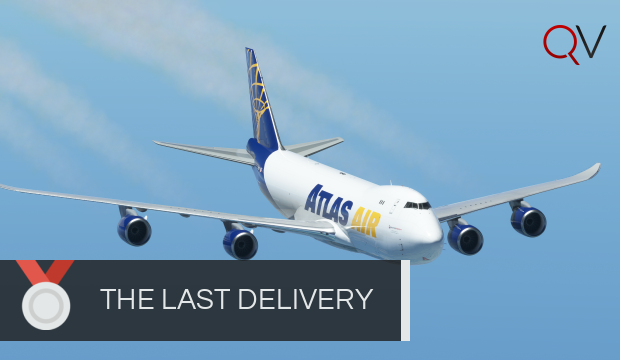
Awarded to pilots who complete The Last Delivery
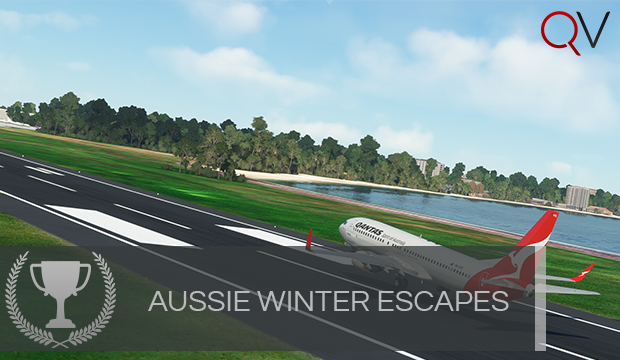
Awarded for completing Aussie Winter Escapes

Complete A Capital Idea - The Americas

Completed the Amelia Earhart tour

Complete all legs of the USA Tour
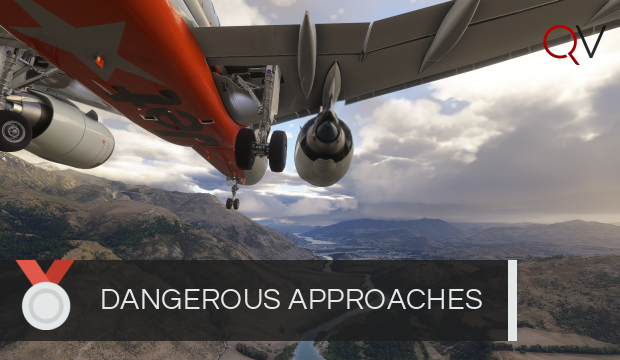
Complete all legs in the Dangerous Approaches Tour

Flew the OJM Retirement Route.
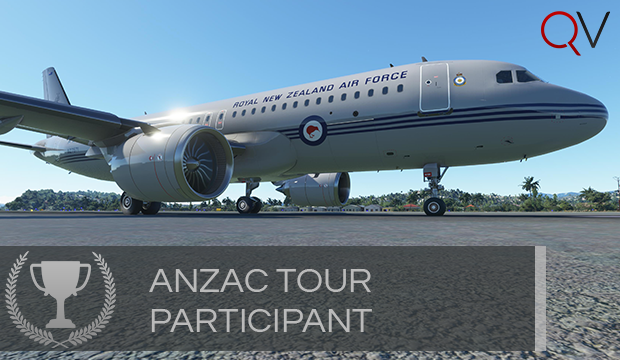
Finish the ANZAC Tour
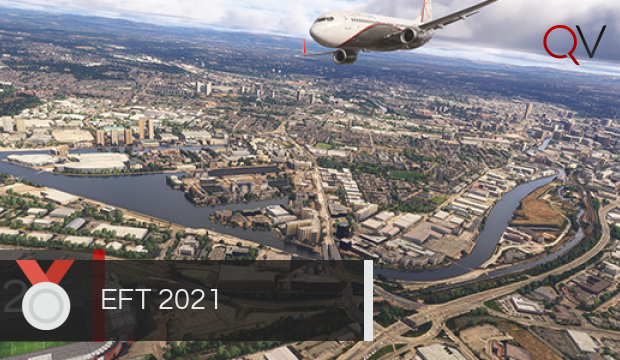
Finish the EFT 2021 Tour
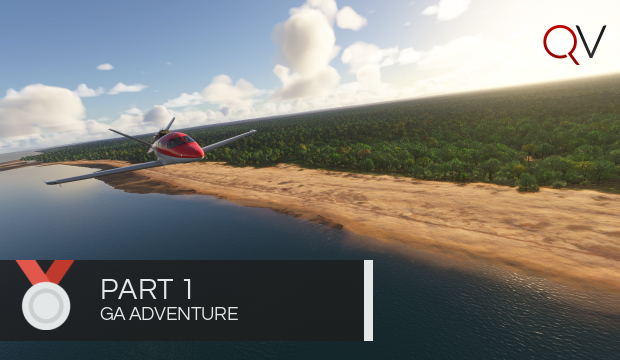
Complete all legs in The Great GA Adventure: Part 1
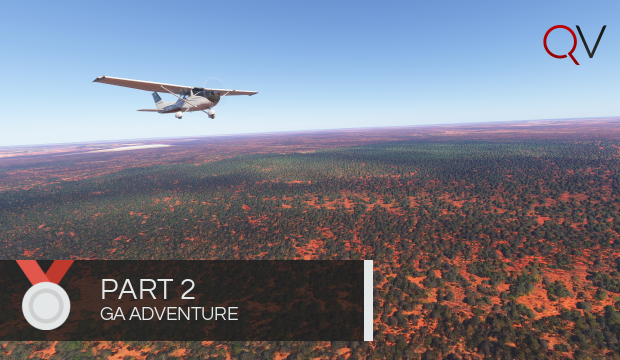
Complete all legs in The Great GA Adventure: Part 2
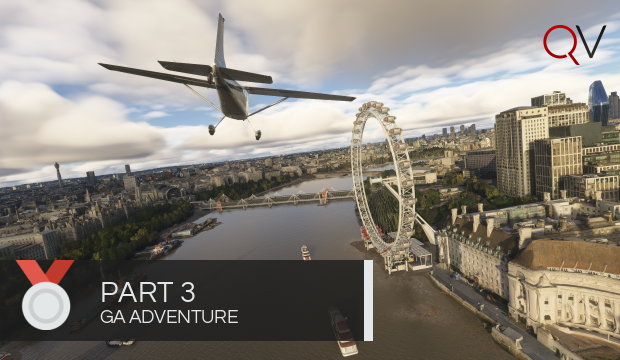
Complete all legs in The Great GA Adventure: Part 3
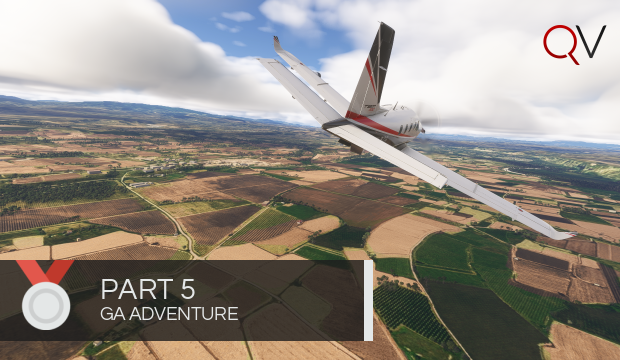
Complete all legs in The Great GA Adventure: Part 5
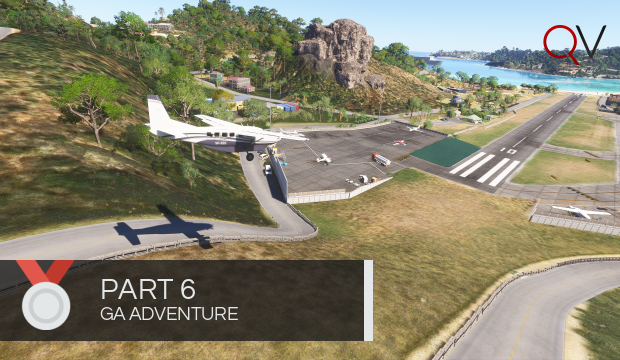
Complete all legs in The Great GA Adventure: Part 6
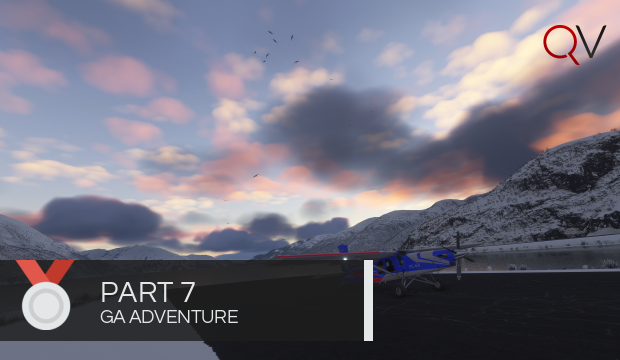
Complete all legs in The Great GA Adventure: Part 7
Complete all legs in The Great GA Adventure: Part 8
Complete all legs in The Great GA Adventure: Part 9
Complete all legs in The Great GA Adventure: Part 10
Complete all legs in The Great GA Adventure: Part 11
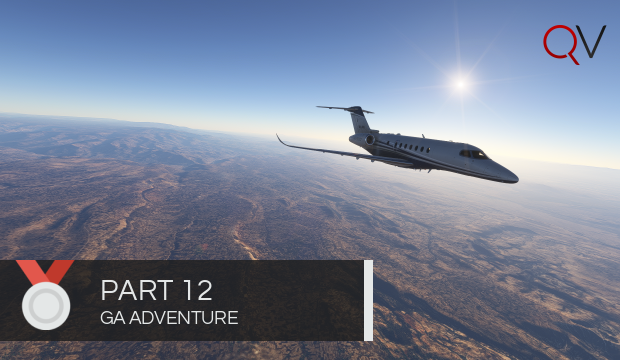
Complete all legs in The Great GA Adventure: Part 12
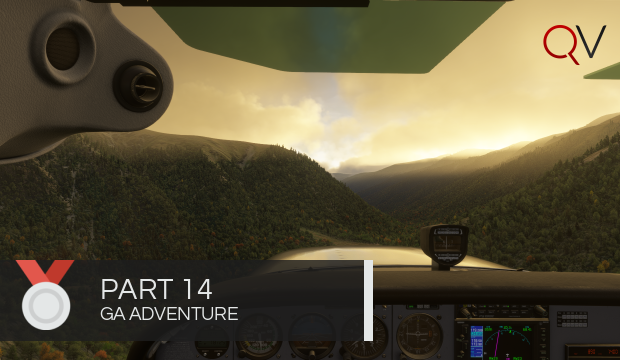
Complete all legs in The Great GA Adventure: Part 14
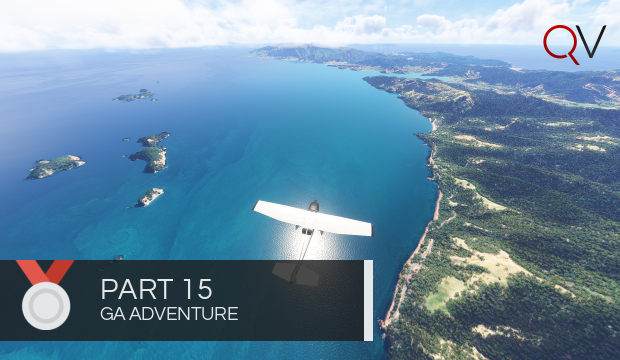
Complete all legs in The Great GA Adventure: Part 15

Complete all legs in The Great GA Adventure: Part 16
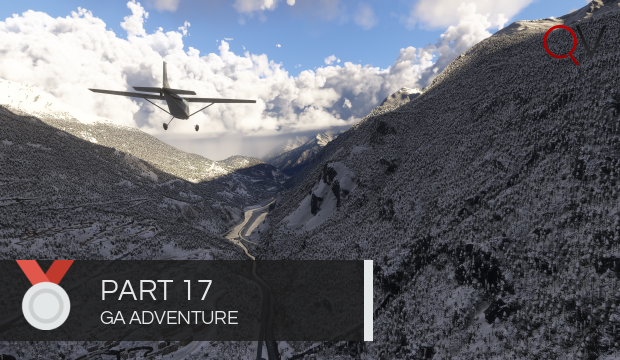
Complete all legs in The Great GA Adventure: Part 17

Complete all legs in The Great GA Adventure: Part 18
Milestone Awards
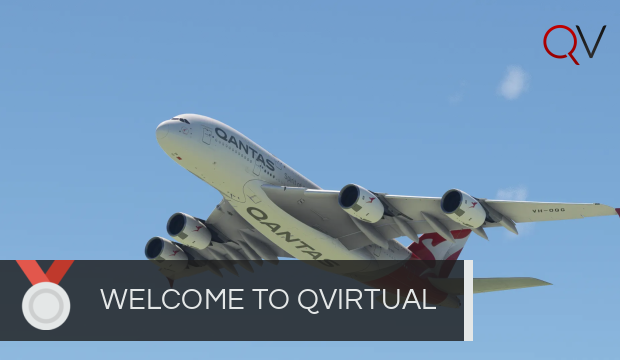
Awarded to a pilot when their application is accepted into QVirtual.
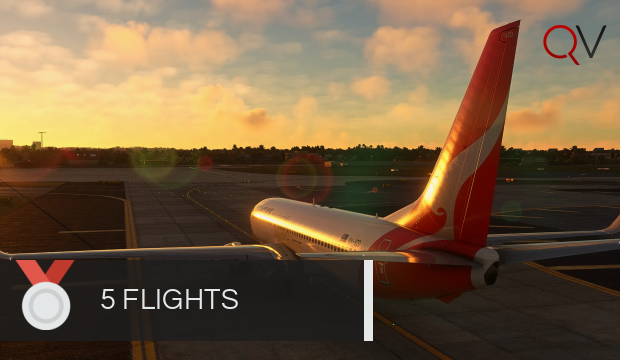
Awarded to a pilot that has 5 accepted flights.
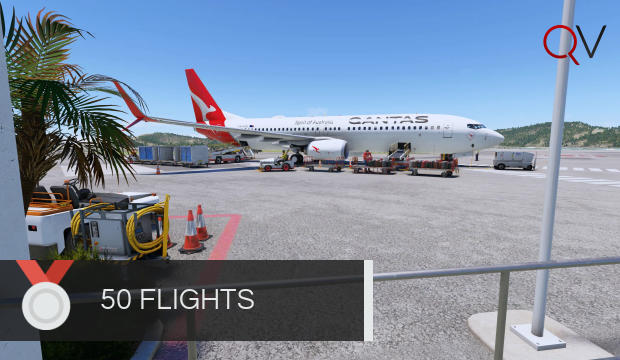
Awarded to a pilot that has 50 accepted flights.
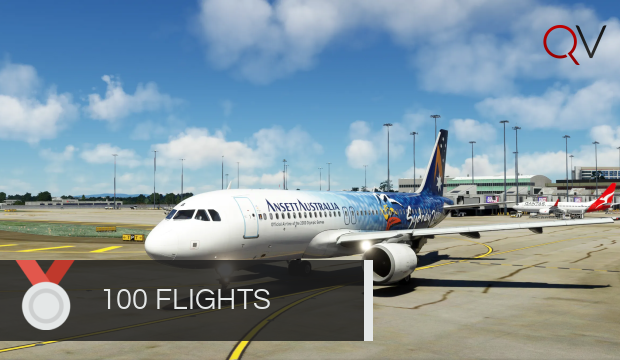
Awarded to a pilot that has 100 accepted flights.
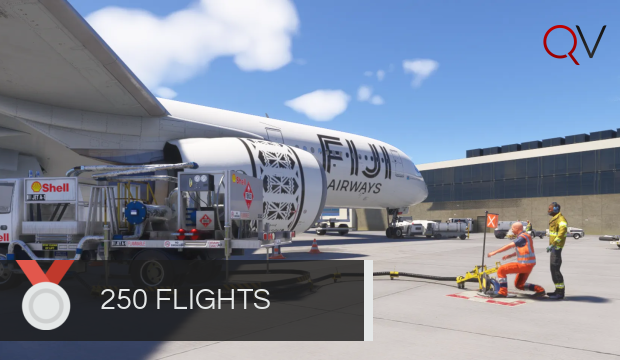
Awarded to a pilot that has 250 accepted flights.
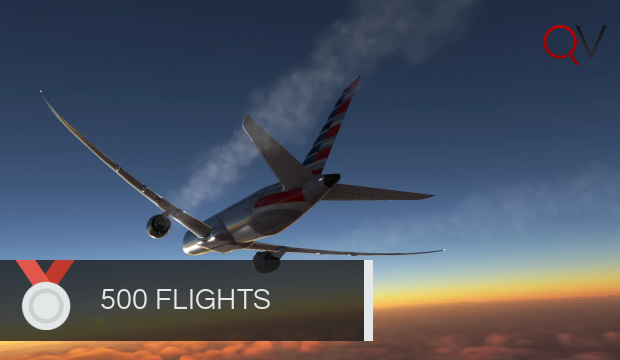
Awarded to a pilot that has 500 accepted flights.
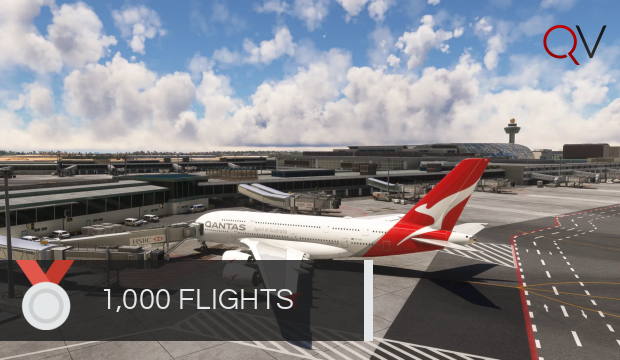
Awarded to a pilot that has 1000 accepted flights.
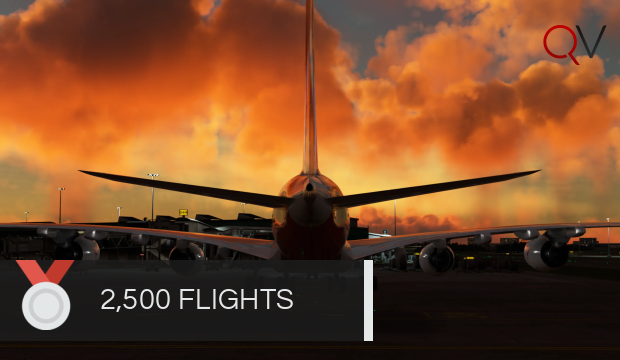
Awarded to a pilot that has 2500 accepted flights.

Awarded to a pilot that has 5000 accepted flights.
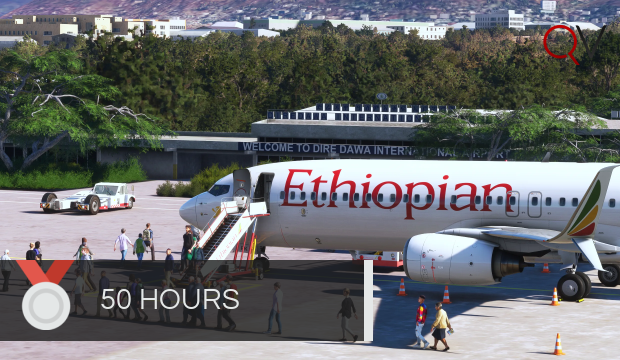
Awarded to a pilot that has 50 flying hours.
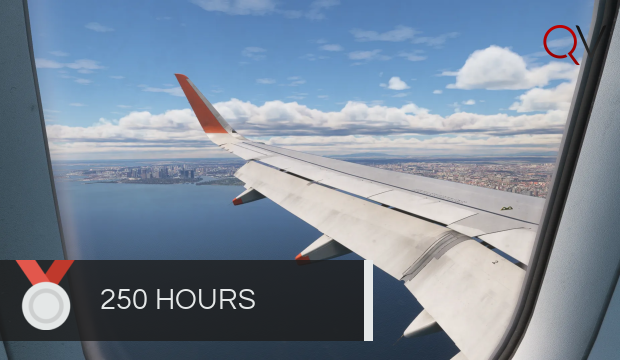
Awarded to a pilot that has 250 flying hours.
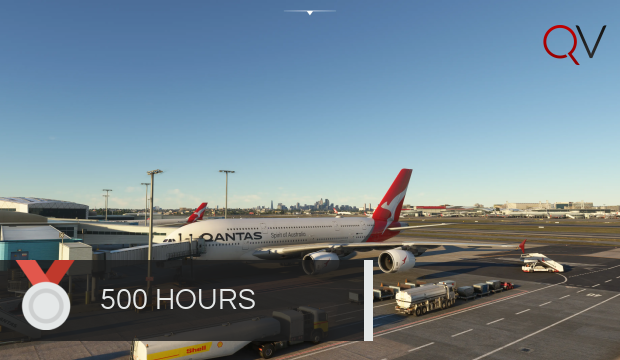
Awarded to a pilot that has 500 flying hours.
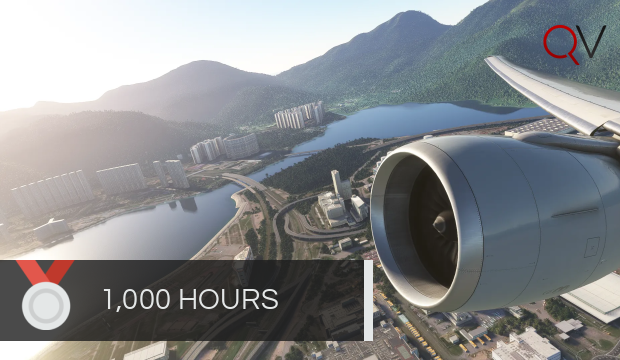
Awarded to a pilot that has 1000 flying hours.
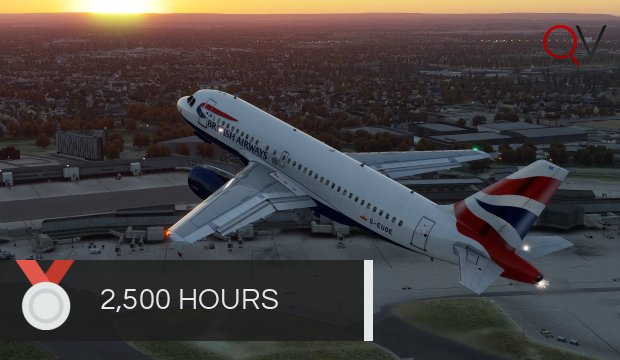
Awarded to a pilot that has 2500 flying hours.
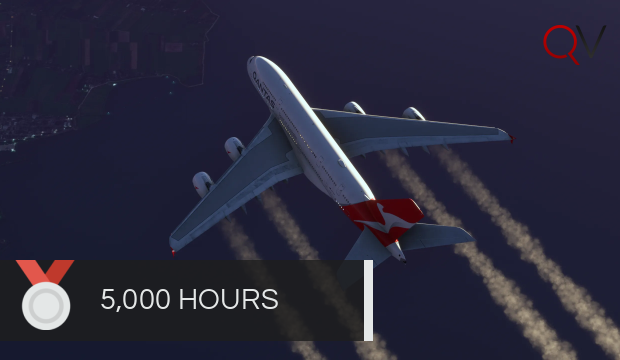
Awarded to a pilot that has 5000 flying hours.
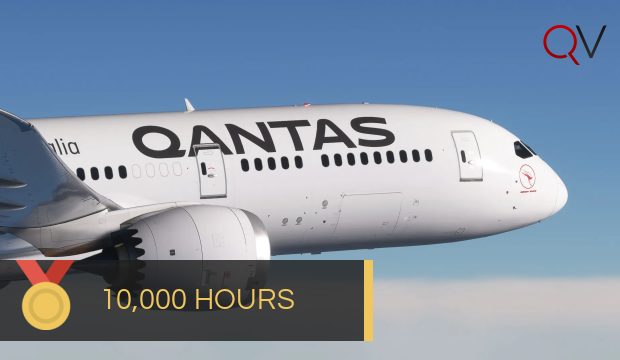
Awarded to a pilot that has 10000 flying hours.
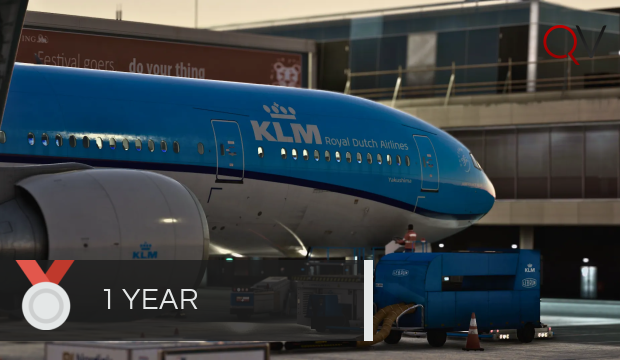
Presented for one year active in QVirtual.
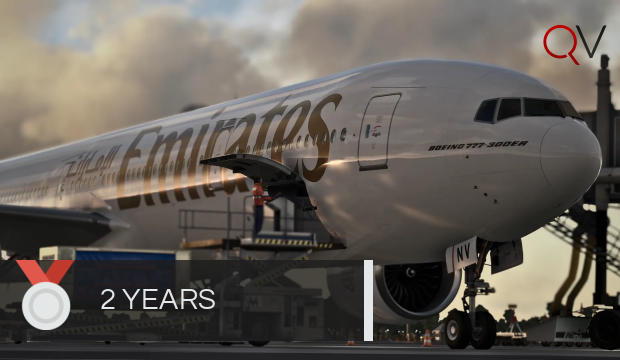
Presented for two years active in QVirtual.
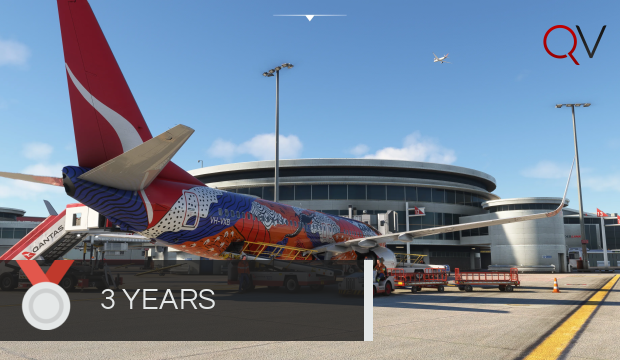
Presented for three years active in QVirtual.
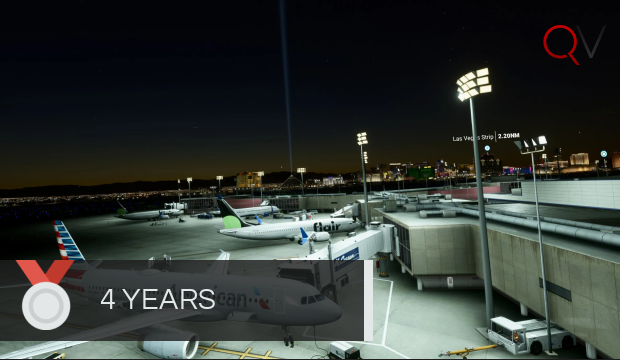
Presented for four years active in QVirtual.
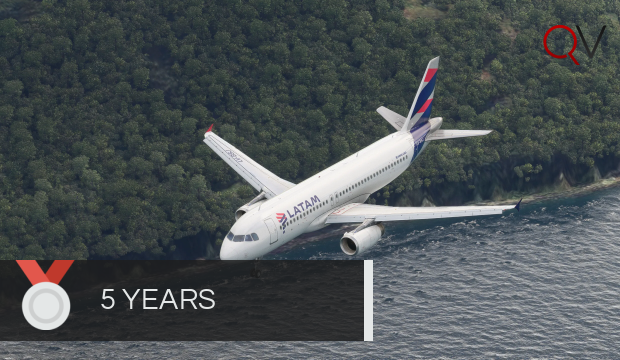
Presented for five years active in QVirtual.
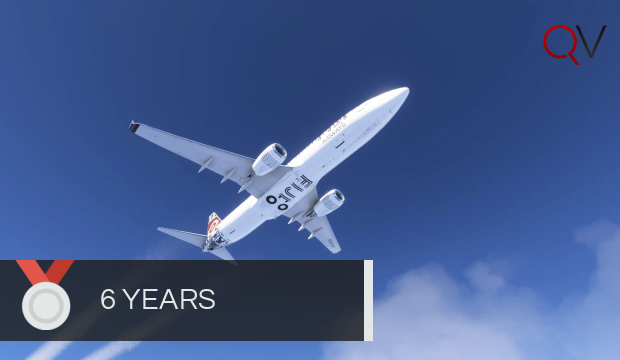
Presented for six years active in QVirtual.
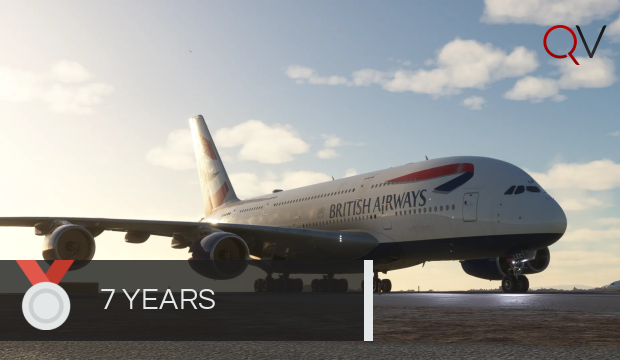
Presented for seven years active in QVirtual.
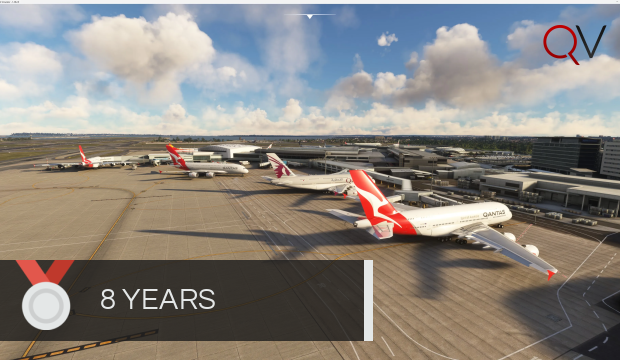
Presented for eight years active in QVirtual.

Presented for nine years active in QVirtual.
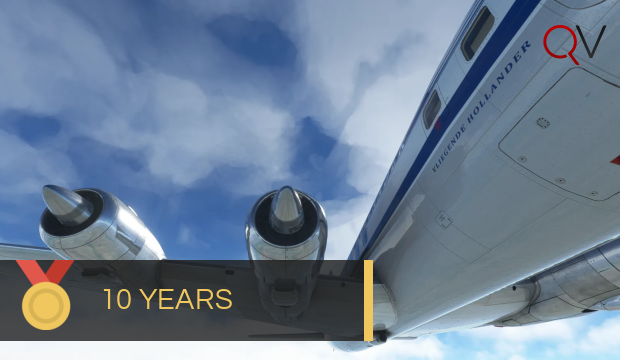
Presented for 10 years active in QVirtual.
Pilot Reports
A Pilot Report (otherwise known as PIREP) is a report of each flight conducted for QVirtual generated by the QTracker system or the manual submission system. A PIREP contains all of the information about your flight, including (but not limited to):
- Airline/flight number
- Aircraft
- Departure/Arrival airport
- Flight time
- Log of events
PIREP Acceptance Guidelines
When you file a PIREP via Stratos ACARS or the manual form, it will either be automatically accepted or reviewed manually by Flight Operations. To ensure your PIREP is accepted, follow these guidelines:
Rejection Reasons:
- Aircraft: Incorrect aircraft flown on route.
- Airport: Landed at the wrong airport.
- Block Time: Flight time unreasonably exceeded block time.
- Crash: Aircraft crashed.
- Incomplete: Did not complete the flight.
- Livery: Incorrect livery flown.
- Overspeed: More than 3 minutes of overspeed.
- Refuel: Refueled in-flight or used unlimited fuel.
- Simulation: Simulation rate exceeded 1x.
- Slew: Slewed or teleported in air.
- Stall: Stall lasted more than 5 seconds.
- Touchdown: Landing rate exceeded -600 fpm.
- Verification: No verification link provided for manual PIREP.
Manual PIREPs:
If you are unable to file via Stratos ACARS, you can submit a manual PIREP from the dropdown menu on the booking page. To be accepted, you must include:
- Proof of flight via a tracking link (e.g., Volanta, VATSIM Stats, Simaware).
- A valid reason for filing the manual PIREP.
Manual PIREPs are eligible for flight hours only-no status credits or pilot pay. Frequent manual PIREPs may result in a review by Flight Operations.
Tour PIREPs:
Tours may have additional PIREP criteria, such as specific aircraft or liveries. Manual PIREPs for tours do not count toward 100% completion and will need to be re-flown.
Simulator Crashes:
If your simulator crashes, reload as close as possible to the waypoint where the crash occurred with similar fuel and reconnect to Stratos ACARS. If unable to reconnect, submit a manual PIREP instead.
Pending PIREPs:
PIREPs flagged for manual review will not prevent you from continuing to fly. Flight Operations will review pending PIREPs within 48 hours.
Rejection Appeals:
Pilots may appeal a rejected PIREP within 48 hours by emailing support@qvirtual.com.au. Be sure to include your Pilot ID in the email.
Website Policy
By accessing QVirtual (hereinafter “we,” “us,” “our,” “QVirtual Management,” “https://qvirtual.com.au,” “https://crew.qvirtual.com.au”), you agree to the following terms and conditions. If you do not agree, please refrain from accessing or using the QVirtual website.
- Your login credentials are personal and must not be shared under any circumstances. Protecting your credentials is essential for the security of your account.
- Members must register using their full name. Providing false or misleading information may result in account restrictions until corrected.
- Each member may register and hold only one account.
- A valid email address is required at all times. If your email changes, please update it via the Crew Centre. Accounts with invalid email addresses may be restricted until updated.
- Pilots are required to fly at least one flight within the first 30 days of registration. If you’re unable to meet this requirement, you may request a Leave of Absence (LOA) in accordance with the LOA policy.
- All flights must adhere to QVirtual's schedule system, including correct aircraft and liveries, and must depart and land at the assigned airports.
- Pilots are welcome to fly for multiple virtual airlines but must avoid filing identical reports with other organisations. Repeated violations may result in disciplinary action.
- Members are expected to maintain a respectful and professional attitude at all times, both within and outside the organisation. Actions that harm QVirtual’s reputation may result in account restrictions or termination.
- Pilots are limited to flying one flight at a time to maintain operational realism.
- Sensitive materials from QVirtual’s website, forums, or academy must remain confidential. Unauthorised sharing of such materials will result in account suspension or termination.
- QVirtual Management reserves the right to review and update these terms as needed. Members will be notified of significant changes, but it is also their responsibility to stay informed.
- Appeals for account suspensions or terminations can be submitted to QVirtual Management. All decisions made following an appeal are final.
QCommunity Policy
By accessing the QCommunity Forums for use with QVirtual (hereinafter “we,” “us,” “our,” “QVirtual Management,” “https://community.qvirtual.com.au”), you agree to the following terms:
- Members must not share their login credentials under any circumstances.
- Members are expected to behave courteously and respectfully at all times.
- Content that includes excessive CAPS, spamming, trolling, or inappropriate material (e.g., sexual, political, racially oriented, or religious content) is strictly prohibited.
- Discussions related to illegal activities are not allowed.
- QVirtual reserves the right to moderate or remove any content without prior notice.
- Only QVirtual-approved signatures and VATSIM Online Status images are allowed in forum descriptions.
Flight Tracking Policy
By using Stratos ACARS for flight tracking with QVirtual, you agree to the following terms:
- All flights must adhere to QVirtual’s PIREP Acceptance Guidelines.
- PIREPs may be automatically accepted or flagged for manual review based on system parameters.
- All flights must be tracked from departure to arrival without interruptions or invalid actions.
- In case of technical issues, pilots may submit a manual PIREP with supporting evidence.
QAcademy Policy
By accessing QAcademy for use with QVirtual, you agree to the following terms:
- All members must adhere to QVirtual’s policies. Violations may result in account suspension or termination.
- Each member is allowed only one account to ensure fair access and participation.
- All content within QAcademy is the intellectual property of QVirtual and is strictly for use in virtual aviation. Sharing or leaking this material is prohibited and may result in account termination.
- QAcademy content is not intended for real-world aviation training or use. It is designed exclusively for virtual flight simulation and should not be relied upon for real-world aviation purposes.
Discord Policy
By accessing the QVirtual Discord server, you agree to the following rules and guidelines to ensure a respectful and enjoyable community for all members:
- Discussion of sexual, political, race-oriented, religious, transphobic, or homophobic topics, or anything violating Discord standards, is strictly prohibited.
- Abusive, rude, or disrespectful language will not be tolerated.
- Swearing should be kept to a minimum. Directly swearing at members is not allowed.
- No bullying, mocking, or disrespecting other members.
- Refrain from outbursts if things do not go as planned; remain respectful at all times.
- No age-restricted, obscene, or disturbing content (text, images, or links) is permitted.
- Spam messaging of any kind is prohibited.
- Advertising other organisations is not allowed unless authorised by QVirtual Management.
- Illegal or prohibited discussions, such as pirating software, are strictly forbidden.
- Follow all staff directions and respect their authority-they are here to help!
- Use appropriate channels for specific topics, such as the VATSIM Cockpit channel for in-flight communication.
- Limit screenshots in the dedicated screenshot channel to a maximum of six pictures per flight.
- Voice-changing software and unauthorised soundboards are prohibited (except Discord's native soundboard feature).
- Photos shared in Discord may be used for promotional purposes. By posting, you agree to their potential use on our socials and website.
- Members seeking support should first ask in the appropriate help desk channel. For further assistance, use the live chat on the website. Our response time is typically within 48 hours.
Violations of this policy will result in escalating consequences:
- First Offence: 60-minute timeout.
- Second Offence: 1-day timeout.
- Third Offence: 7-day timeout.
- Fourth Offence: Permanent suspension from the Discord server.
Note: Staff reserve the right to adjust consequences based on their judgment of the situation.
Virtual Simulation Disclaimer
QVirtual is for virtual flight simulation only. While we try to replicate real-world airline operations as closely as possible, everything here is intended for use within the sim environment.
Under no circumstances should any information, data, or guidance from QVirtual be used for real-world navigation, flight training, or aviation purposes. Pilots must ensure they rely only on certified resources for real-world aviation activities.
Handbook Updates
This handbook is reviewed and updated periodically to reflect changes in QVirtual policies, procedures, and guidelines. It is the responsibility of each pilot to remain familiar with the most current version of the handbook.
By continuing to use the QVirtual platform, you confirm your agreement to abide by the policies and guidelines outlined in the latest version of this handbook. Major updates will be communicated via the Crew Centre or other official channels, but it is recommended to check the handbook regularly for any changes. Thanks for reading through to the end! Let us know you’ve completed the handbook by reaching out via the chat bubble to claim your reward.